Seyls runs in your web browser, so there is nothing to install. You create one account for yourself, and everything else, your business, your outlets, your team, hangs off it.
Sign up
- Go to seyls.com and press Start free trial.
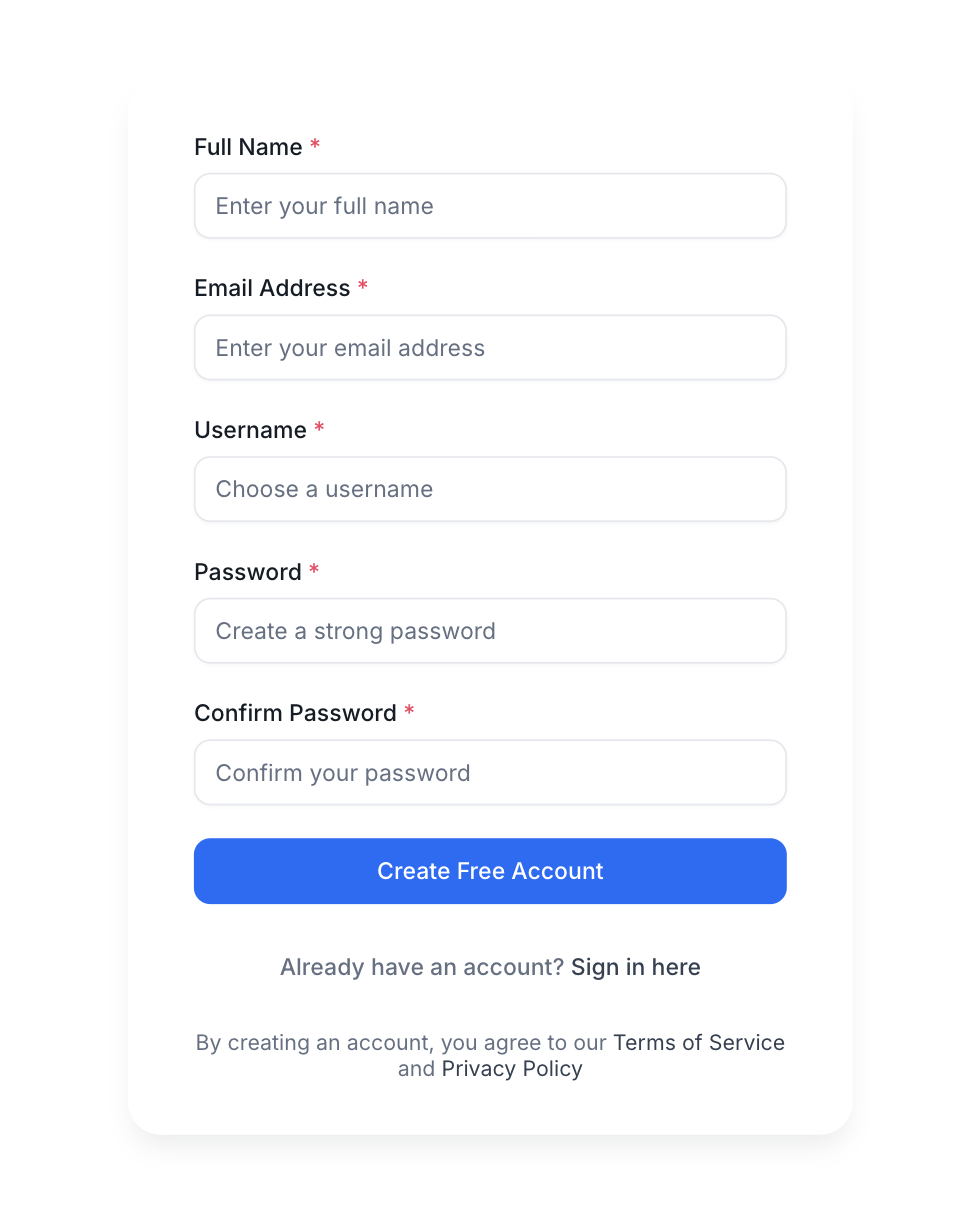
- Fill in the registration form: your full name, your email address, a username, and a password (entered twice to be safe).
- Press Create Free Account.
Verify your email
We send a verification link to the email address you signed up with. Open the email and press the link. Verifying matters: some steps, like creating your first outlet, wait until your email is confirmed.
That is it. You are signed in and ready to describe your business, which is exactly what the next chapter covers.