You can sell to walk-in customers without any setup, and when a new customer turns up mid sale you can create them right from the sale screen. Still, a well kept customer list pays off the moment you sell on credit, send statements, or want to see someone's history at a glance.
Create a customer
From the Main Menu open Customers and choose New customer.
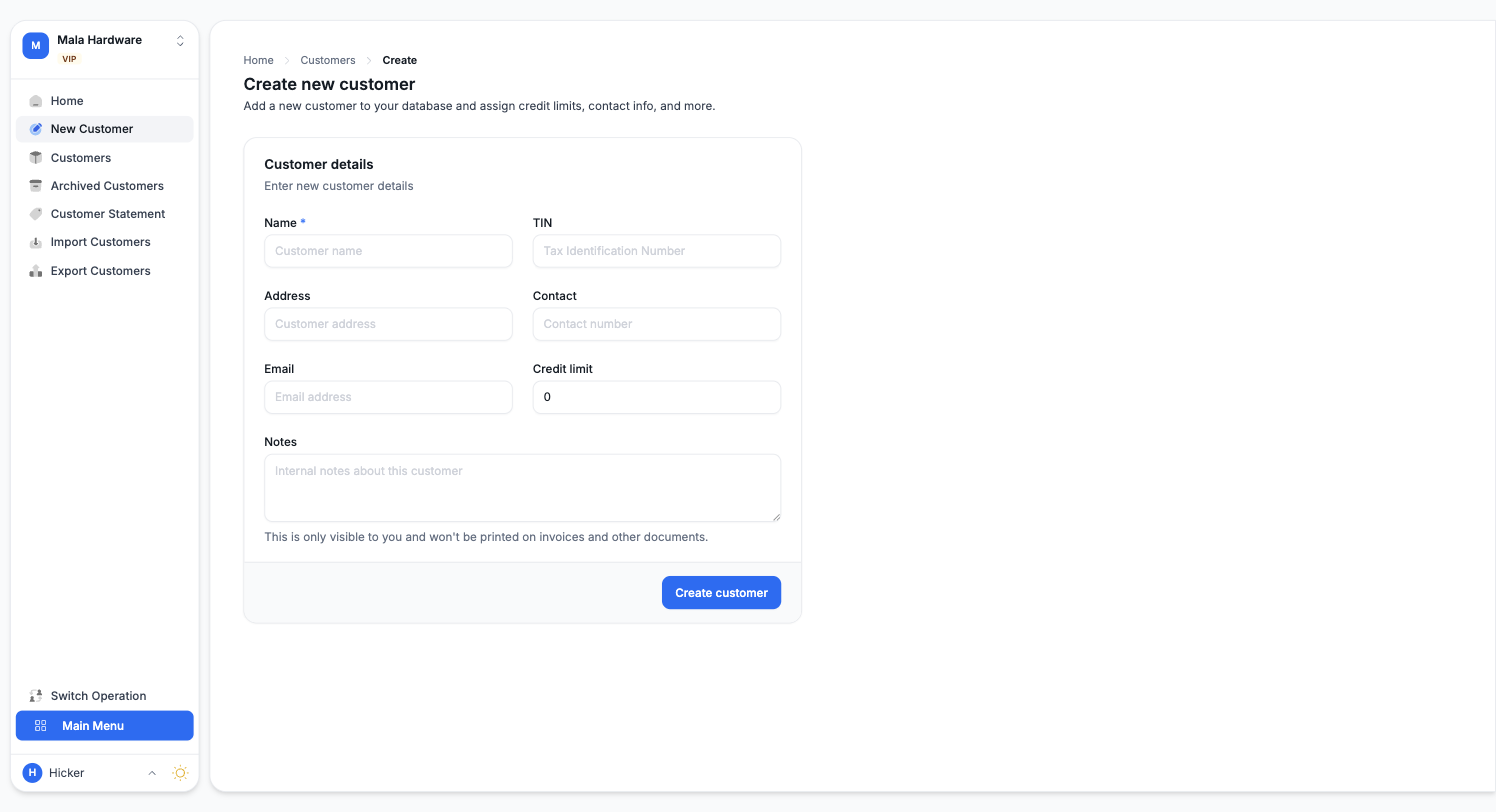
Give the customer a name and add what you have: contact number, address, email, and their TIN if they need tax invoices. A credit limit caps how much they can owe you at a time. Notes stay internal, they never appear on invoices. You can always fill in more later.
What customers unlock
- Credit sales: sell now, collect later. Every credit sale and payment is tracked against the customer, so you always know the balance.
- Statements: send a customer a clean statement of their invoices and payments for any period.
- History: open a customer to see everything they have bought and paid.
If you already keep a customer list elsewhere, Customers, Import brings it in from a spreadsheet the same way product import does.